
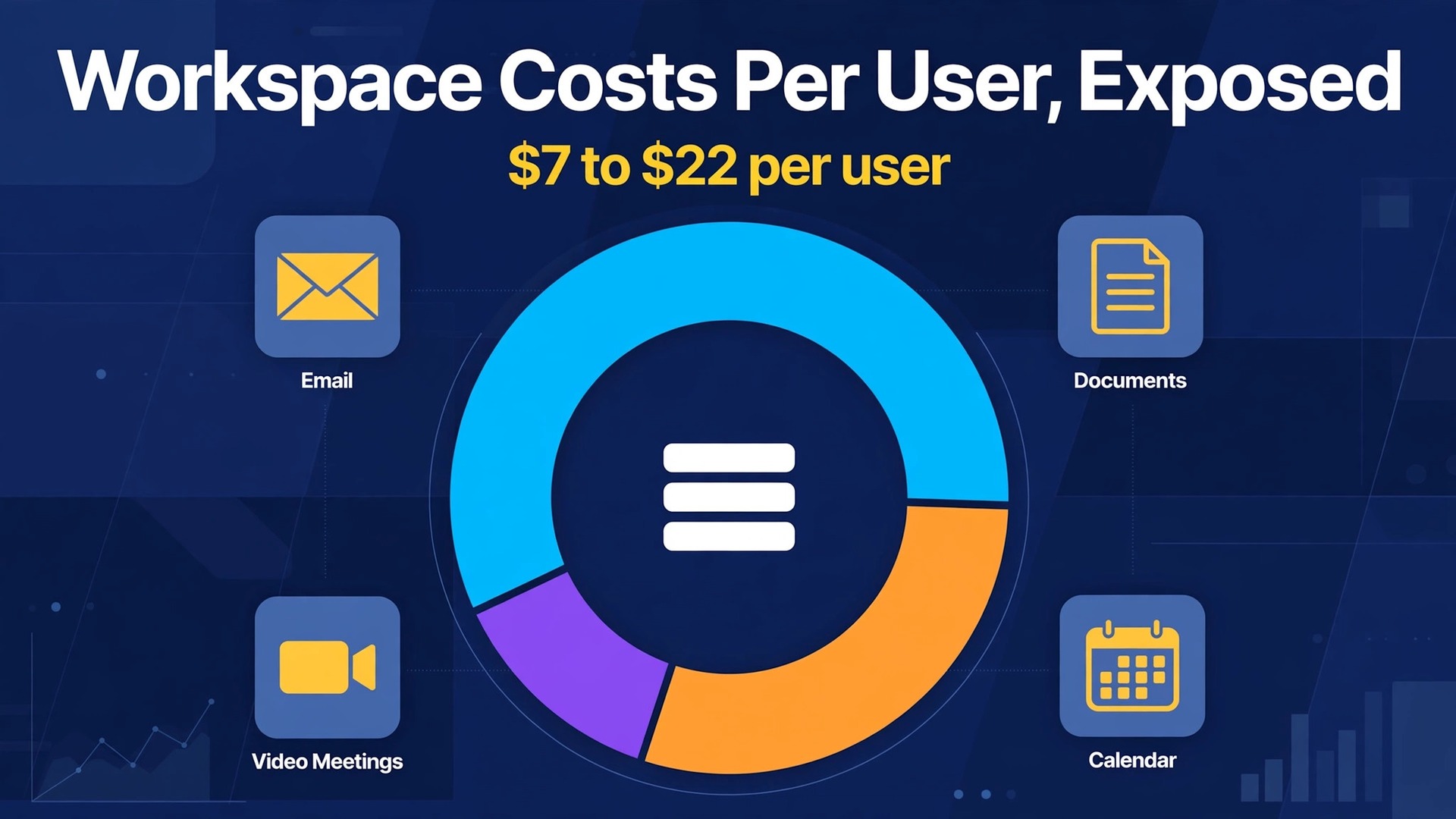
Google Workspace costs less per user than a daily coffee, yet a ten person team can still face a bill that surprises it. The cost of Google Workspace for small business monthly looks simple at 7 dollars, 14 dollars and 22 dollars per user, but flexible billing, storage caps and the 300 user ceiling change what those numbers mean in practice. A business that picks the cheapest tier for email alone may run out of storage within a year, while one that picks the top tier for every user pays for controls it never opens. This guide prices each edition by team size so the choice fits the work.
Workspace charges per user per month, and every staff member with a business email address needs a licence. That per user model covers Gmail on a custom domain, Drive, Docs, Sheets, Meet and Calendar, with Gemini AI features now included in the paid business editions rather than sold as a separate add-on in recent published pricing. The sections below compare Starter, Standard and Plus, show totals for teams of one, three, five and ten users, and explain flexible billing against the annual commitment. Introductory offers are flagged as temporary, because they are not the renewal price.
Google Workspace Prices at a Glance
Business Starter costs 7 dollars per user per month on a one year commitment and 8 dollars 40 cents on the flexible plan with no commitment. Business Standard costs 14 dollars per user per month on a one year commitment and 16 dollars 80 cents on flexible billing. Business Plus costs 22 dollars per user per month on a one year commitment and 26 dollars 40 cents on flexible billing. Enterprise is quoted through sales and carries no published per user price. All three business editions are capped at 300 users, while Enterprise has no such cap.
Storage is the clearest difference between the editions, and it should drive the choice more than the email features, which overlap heavily. Starter gives 30 GB of pooled storage per user, Standard gives 2 TB of pooled storage per user, and Plus gives 5 TB of pooled storage per user. Meeting size also rises, from 100 participants on Starter to 150 on Standard with recording, and 500 on Plus with attendance tracking. The table below summarises the headline, and later sections show what those limits mean for a real team.
| Edition | Annual commitment per user monthly | Flexible per user monthly | Pooled storage per user | Meeting size |
|---|---|---|---|---|
| Business Starter | 7 dollars | 8 dollars 40 cents | 30 GB | 100 people |
| Business Standard | 14 dollars | 16 dollars 80 cents | 2 TB | 150 people |
| Business Plus | 22 dollars | 26 dollars 40 cents | 5 TB | 500 people |
Why the First Price You See Is Not the Renewal Price
The cost of Google Workspace for small business monthly is often shown first at an introductory price for new customers, and that price can be far below the standard rate. Recent published pricing describes an introductory offer cutting Starter and Standard by a fifth and Plus by half for three months, limited to new customers and to the first twenty users added. After the offer period, standard pricing applies, so a five person team that budgets at the introductory rate will face a sharp rise in month four. Treat any introductory price as a short bonus, and budget at the standard rate from day one.
The billing term is the second reason the first price misleads, because the headline 7 dollar, 14 dollar and 22 dollar figures assume a one year commitment. Flexible billing, with no commitment, costs about twenty percent more, at 8 dollars 40 cents, 16 dollars 80 cents and 26 dollars 40 cents. A business that wants the freedom to cancel next month pays that premium, and a business that signs the annual commitment pays the lower rate but commits for twelve months. The commitment, not the billing frequency alone, sets the price, since annual plans can still be billed monthly at the lower rate.
Tax and currency also lift the invoice above the headline, because published prices exclude tax and are shown in US dollars. A business in another currency will see conversion, and every business will see tax added where it applies. Those additions are modest per user, but they compound across a team, so a ten person Standard team should expect the invoice to exceed the simple 140 dollar monthly calculation. Build a small contingency into the budget, and check the checkout total before the first payment, because that total is the real price.

Business Starter, Email and Essentials on a Budget
Starter is the right edition for a new business that needs professional email on its own domain, shared calendars, documents and video meetings without a large storage need. It includes custom domain Gmail, Drive, Docs, Sheets, Slides, Meet for up to 100 participants, and Gemini assistant features in Gmail and the Gemini app in recent published pricing. A one or two person business that stores most files elsewhere, or keeps its Drive tidy, can run comfortably on Starter for a long time. The low price is genuine, and the feature set covers the daily essentials well.
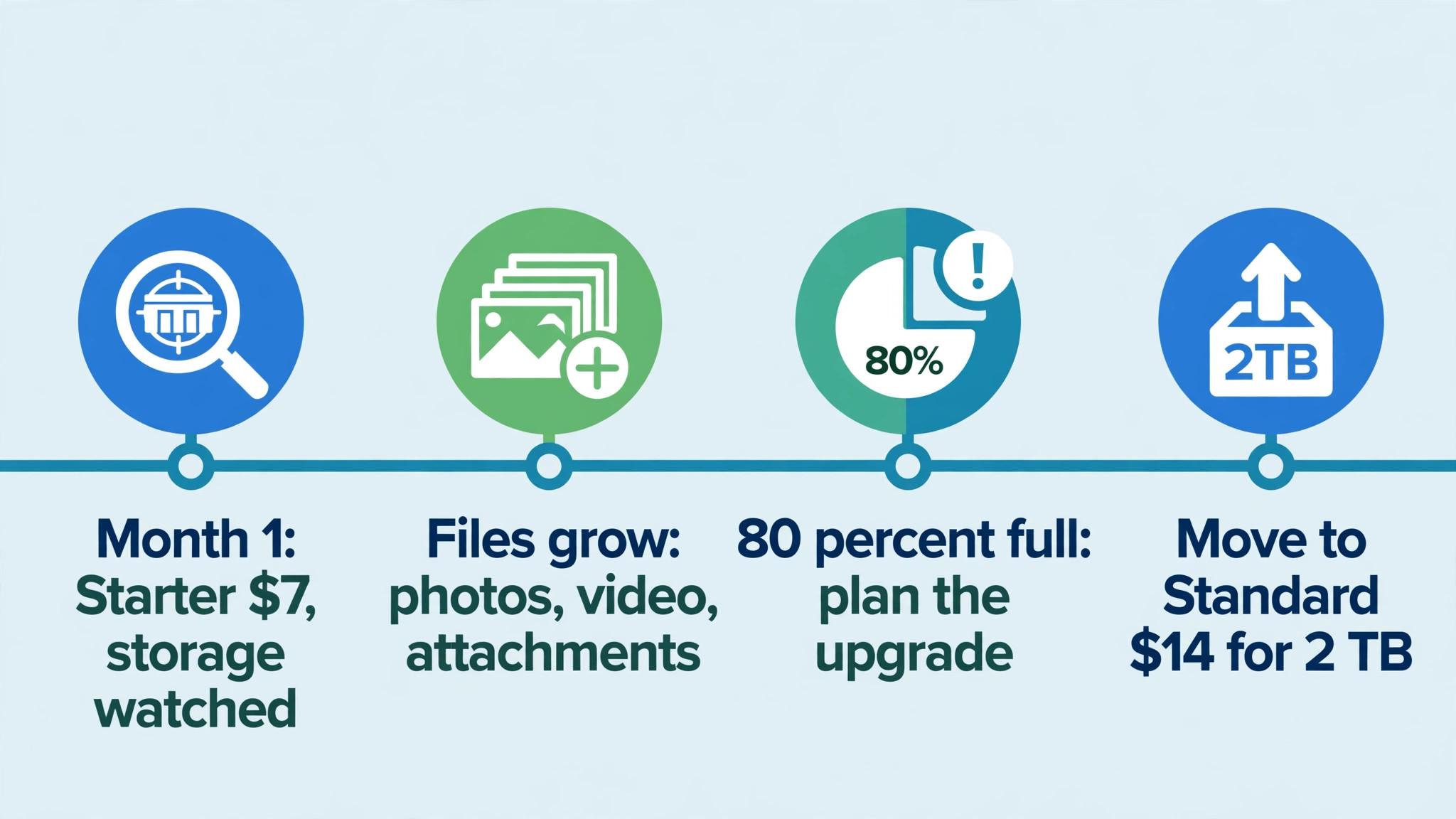
The 30 GB pooled storage per user is the limit that ends most Starter tenures, because it fills faster than owners expect. Photos, video, email attachments and shared files all draw on the same pool, and a team that stores client work, marketing assets and email history will reach the cap within a year or two. When storage fills, the team faces a choice between paying for more storage, cleaning Drive, or upgrading to Standard, and cleaning rarely keeps pace with growth. Track storage per user from month one, and set a review point at eighty percent full so the upgrade is planned rather than forced.
Starter also lacks meeting recording, advanced shared drive controls and the deeper admin features of higher tiers, which matters once meetings and files become team assets. A recorded meeting is a record of decisions, and shared drive controls protect team files when staff leave. A small team that meets rarely and stores little can live without those features, but a team that meets daily or handles client files should weigh them early. The cost of missing a recording or losing a file often exceeds the price gap to Standard.
For a solo owner, the cost of Google Workspace for small business monthly on Starter is 7 dollars on the annual commitment, or about 101 dollars a year on flexible billing, which is a modest price for a business email address and a full office suite. A three person team pays 252 dollars a year on the annual commitment, which is still less than many single software subscriptions. Starter is the sensible default for a new business, provided storage is monitored and the team accepts that an upgrade to Standard is likely within a couple of years as files accumulate.
Business Standard, the Sweet Spot for Most Small Teams
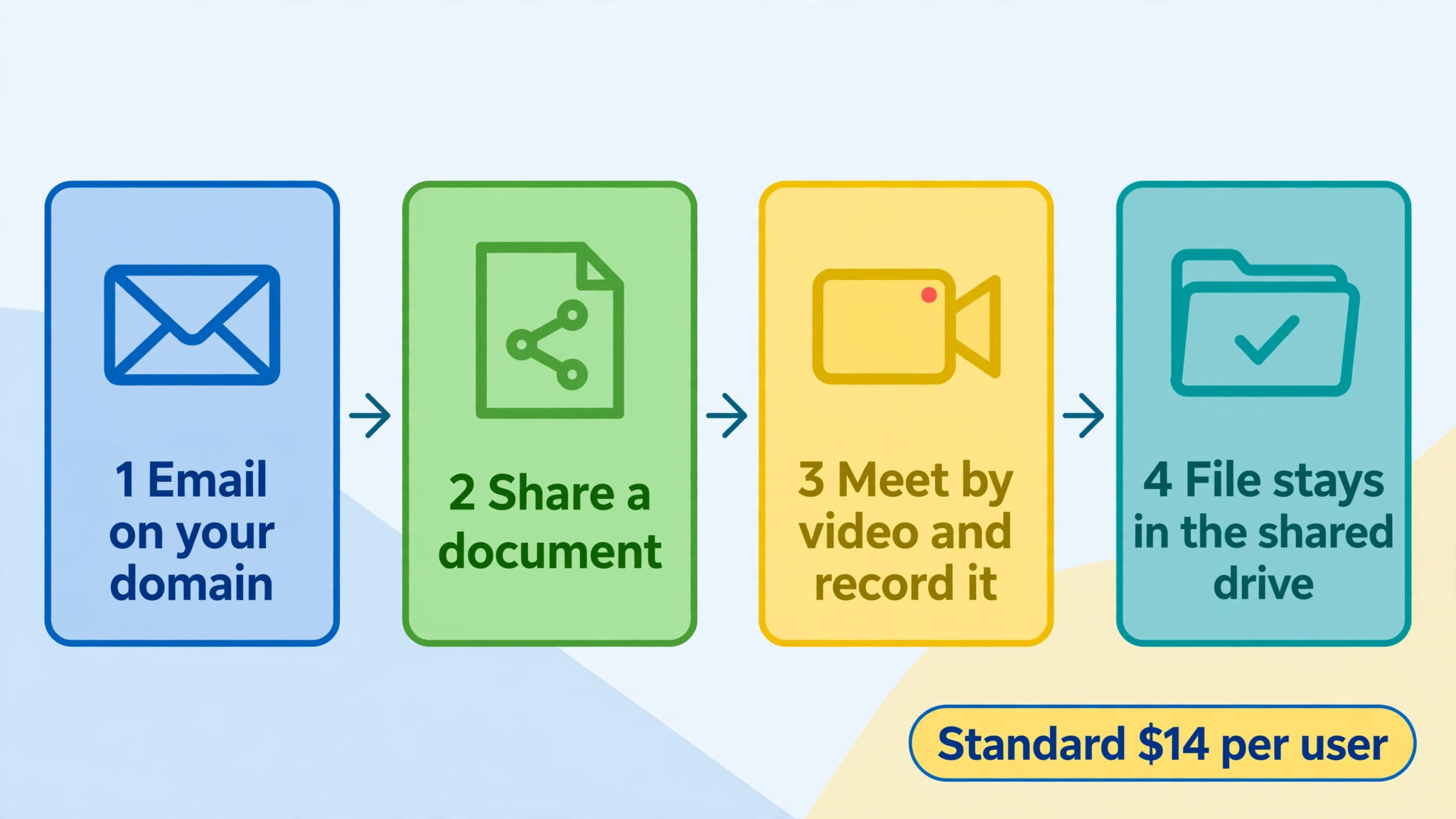
Standard doubles the Starter price to 14 dollars per user per month on the annual commitment, and for most small teams that doubling buys the features that actually matter. It raises pooled storage to 2 TB per user, adds meeting recording for meetings up to 150 participants, adds custom email layouts and mail merge, and adds advanced shared drive controls and the Workspace Migrate tool. Gemini access also widens, with AI help across Docs and Meet in addition to Gmail in recent published pricing. That combination covers the daily work of a team that collaborates on files and meets regularly.
Storage is the reason Standard is the sweet spot, because 2 TB per user removes the constant clean-up that Starter demands. A five person team on Standard has 10 TB of pooled storage, which covers years of documents, presentations, photos and video for a typical small business. That headroom lets the team keep client history, reuse past work and stop rationing Drive space, which saves admin time every week. The price gap to Starter is 7 dollars per user per month, and for most teams the saved clean-up time alone covers it.
Meeting recording and shared drive controls are the second reason Standard fits growing teams. Recording turns a meeting into a searchable record, which helps absent colleagues and settles disputes about what was agreed. Advanced shared drive controls keep team files owned by the team rather than by an individual, so files do not disappear when an employee leaves. Those two features sound administrative, yet they protect the business against the two most common collaboration failures, which are lost decisions and lost files.
The cost of Google Workspace for small business monthly on Standard for a five person team is 70 dollars on the annual commitment and 84 dollars on flexible billing. That total is easy to justify when the team uses Drive daily, meets by video and shares documents with clients, because it replaces separate email hosting, file storage and meeting tools. A team that only needs email and rarely shares files may stay on Starter, but a team that collaborates daily should treat Standard as the default rather than an upgrade.
Business Plus, Vault and Controls for Regulated Work
Plus costs 22 dollars per user per month on the annual commitment and 26 dollars 40 cents on flexible billing, and it is aimed at businesses that need retention, discovery and stronger endpoint controls. It raises pooled storage to 5 TB per user, raises meeting size to 500 participants with attendance tracking, and adds Vault for eDiscovery and retention, Secure LDAP, advanced endpoint management and enhanced security controls. Those features matter in legal, financial, healthcare and other regulated work, where email retention and data control are not optional extras but compliance requirements.
Vault is the feature that most often forces the move to Plus, because it is the lowest edition that includes it. A business that must retain email for legal hold, discovery or regulatory reasons cannot achieve that on Starter or Standard, regardless of any workaround. If a client contract, a regulator or a legal adviser requires retention, Plus becomes a cost of doing that work, and the price should be treated as part of serving those clients. If no such requirement exists, Vault alone does not justify paying 8 dollars extra per user per month over Standard.
Endpoint management and security controls are the second reason to consider Plus, because they let an admin manage devices, enforce security policies and control access more tightly. A team that handles sensitive client data on many devices benefits from that control, especially when staff work remotely or use personal devices. A team that works from a single office on managed computers may gain little, because the basic admin controls on Standard already cover the essentials. Match the security spend to the data risk, not to the feature list.
For a ten person team, the cost of Google Workspace for small business monthly on Plus is 220 dollars on the annual commitment against 140 dollars for Standard, a gap of 80 dollars a month or 960 dollars a year. That gap is justified when Vault, retention or advanced endpoint controls are required, and it is wasted when they are not. Keep Plus seats tight if only part of the team handles regulated work, and check whether the vendor allows mixed editions within one organisation before assuming every user must sit on the same tier. A mixed approach can cut the gap substantially.
Enterprise, Quoted and Uncapped
Enterprise is quoted through sales, carries no published per user price, and removes the 300 user cap that applies to the business editions. It adds data loss prevention, S/MIME encryption, in-domain live streaming to larger audiences, context aware access, enterprise data regions and Cloud Identity Premium in published descriptions, with storage at 5 TB per user on Enterprise Plus and higher options. Those features serve large organisations with compliance teams, security reviews and global data rules, and they are far beyond the needs of a typical small business.
A small business should engage Enterprise sales only when it outgrows the 300 user cap or when a client contract demands an Enterprise only control. Passing 300 users is a clear trigger, because the business editions simply cannot add a 301st user. A security requirement is a softer trigger, and it should be confirmed in writing before a sales process begins, since Enterprise pricing is opaque and negotiation takes time. For every other small team, the choice sits among Starter, Standard and Plus, and Enterprise can wait.
The Cost of Google Workspace for Small Business Monthly at 1, 3, 5 and 10 Users
The table below shows monthly totals on the annual commitment, which is the rate most stable teams will pay. A solo owner pays 7 dollars on Starter, 14 dollars on Standard and 22 dollars on Plus each month. A three person team pays 21 dollars, 42 dollars and 66 dollars respectively. Those figures are the licence total, and they exclude tax, so the invoice will be slightly higher in most locations.
| Users | Starter annual | Standard annual | Plus annual | Starter flexible | Standard flexible | Plus flexible |
|---|---|---|---|---|---|---|
| 1 | 7 dollars | 14 dollars | 22 dollars | 8 dollars 40 cents | 16 dollars 80 cents | 26 dollars 40 cents |
| 3 | 21 dollars | 42 dollars | 66 dollars | 25 dollars 20 cents | 50 dollars 40 cents | 79 dollars 20 cents |
| 5 | 35 dollars | 70 dollars | 110 dollars | 42 dollars | 84 dollars | 132 dollars |
| 10 | 70 dollars | 140 dollars | 220 dollars | 84 dollars | 168 dollars | 264 dollars |
Flexible billing adds 14 dollars a month for a ten person Starter team, 28 dollars for Standard and 44 dollars for Plus, which totals 168 dollars, 336 dollars and 528 dollars extra over a year. That premium is worth paying while headcount is uncertain, because it lets the business drop users without a yearly commitment. Once the user count holds steady for a quarter, switching to the annual commitment saves that premium, and the switch should be diarised so it is not forgotten. The saving on a ten person Standard team is 28 dollars a month, which funds a useful add-on elsewhere.
The jump from Starter to Standard is 7 dollars per user per month, which is 70 dollars a month for ten users, and the jump from Standard to Plus is 8 dollars per user per month, or 80 dollars for ten users. Those jumps are smaller than many software tier gaps, yet they still add up to 840 dollars and 960 dollars a year respectively for ten users. The decision should rest on storage, meeting recording and Vault needs, because those are the features that change daily work. If none of those needs apply, the cheaper tier remains the better buy.

Flexible Billing Against the Annual Commitment
The cost of Google Workspace for small business monthly on flexible billing suits a business in flux, such as a startup hiring its first staff, a seasonal business with a changing roster, or a team testing Workspace before committing. It allows users to be added and removed without a yearly obligation, and it keeps cash flow monthly rather than committed. The cost is about twenty percent above the annual rate, which is a fair price for that freedom during an uncertain period. Use flexible billing as a trial term, not as a permanent home, unless headcount genuinely changes every few months.
The annual commitment suits a stable team, because it locks the lower rate for twelve months and can still be billed monthly at that rate. The commitment applies to the user count agreed at purchase, so dropping users mid-year does not always reduce the bill at once, depending on the terms agreed. Before signing, ask what happens when users are removed, whether new users join at the same rate, and what price applies at renewal. Get those answers in writing, because the checkout page does not always spell them out clearly.
A practical approach is to put the stable core on the annual commitment and keep uncertain seats flexible where the vendor allows that mix. A core of five permanent staff on annual billing plus two seasonal helpers on flexible terms will usually beat an all annual or all flexible purchase. The saving comes from matching the term to the certainty of each seat, rather than picking one term for the whole account. Review the mix quarterly, and move seats to annual billing once their roles become permanent.
Storage Caps, Meeting Limits and the 300 User Ceiling
Storage caps shape the cost of Google Workspace for small business monthly more than most buyers expect, because they fill silently until a user cannot save or receive files. Starter at 30 GB per user fills fastest, especially for teams that store photos, video and large email attachments. Standard at 2 TB per user and Plus at 5 TB per user give far more headroom, and pooled storage means the team total matters more than any single user. Monitor the admin storage report monthly, and act at eighty percent full, because a full Drive blocks work across the team, not just for one person.
Meeting limits are the second practical cap, because they affect who can join a call and whether it can be recorded. Starter meetings cap at 100 participants without recording, Standard allows 150 participants with recording, and Plus allows 500 participants with attendance tracking. A small business rarely hits 100 participants, so the meeting cap alone seldom justifies an upgrade, but recording is a daily need for many teams. If recordings matter, Standard is the floor, and the meeting size numbers are secondary.
The 300 user ceiling on business editions is a hard cap that larger small businesses must plan around. A business approaching 250 users should start the Enterprise conversation early, because migrating 300 users under time pressure is far harder than planning the move. Below that ceiling, the cap is irrelevant, and no small team should pay Enterprise prices merely to avoid a limit it will never reach. Count users honestly, including part time staff with business email, and project headcount two years ahead before dismissing the ceiling entirely.

Admin Mistakes That Inflate the User Count
The most common mistake behind a high cost of Google Workspace for small business monthly is creating a paid user for every email alias, shared inbox or former employee who still receives mail. Aliases and groups can route mail to existing users without a new licence, and former employees should have their accounts suspended and their mail forwarded rather than left active. Audit the user list quarterly, and ask whether each user is a current staff member who actively uses the account. A licence with no sign-in for ninety days is either an alias in disguise or a seat to remove.
The second mistake is giving every user the top tier because one department needs it, when a mixed edition approach may be available. If only the legal or finance team needs Vault, putting the whole company on Plus wastes the premium on users who never touch retention. Check whether mixed editions are allowed for your organisation, and assign Plus only to the users who need its controls. That discipline can save hundreds of dollars a year for a team of ten, and more as the team grows.
The third mistake is ignoring storage until Drive fills, then upgrading in a panic without cleaning first. A team that deletes duplicates, archives old video and moves finished client work to long term storage can often stay on its current tier for another year. Run a storage clean-up before every upgrade decision, and measure how much space it frees. If cleaning frees less than a quarter of the pool, the upgrade is genuine, and if it frees far more, the team has bought time without spending more.
The fourth mistake is letting introductory pricing set the long term budget, so the team is shocked when the standard rate returns. Diarise the end of any introductory period, and re-forecast the budget at the standard rate from that date. The same discipline applies to renewal, because prices change over time and a budget built on an old screenshot will be short. A fifteen minute quarterly review of users, storage and billing term prevents most Workspace billing surprises.

Keeping the Licence Count Tied to Real Staff
Start with a staff list, not a licence list, and make the two match exactly. Every current staff member who needs business email gets a user, and every alias, group and shared inbox is mapped to those users rather than given its own licence. When staff leave, suspend the account the same week, transfer their files to a shared drive, and set mail forwarding for a limited period. That habit keeps the bill tied to the payroll total rather than to a growing list of forgotten accounts.
Next, match the edition to the job, because not every user needs the same storage, recording or retention features. A field team that rarely uses Drive may sit happily on Starter, while an office team that collaborates daily needs Standard, and a compliance team needs Plus. Where mixed editions are allowed, that split is the cheapest honest shape for the organisation. Where they are not, choose the edition that covers the largest group well, and accept that a minority will be over provisioned.
Finally, measure Workspace by storage headroom, meeting recording use and admin time per user, not by how many apps are installed. A healthy setup shows storage below eighty percent, recordings used by absent colleagues, and little admin time spent on password resets or file recovery. If those numbers do not look healthy, the fix is usually admin habit rather than a higher tier. Spend on admin training before spending on more licences, because a well run Starter account beats a messy Plus account.
Which Edition Fits a Team of Your Size
A one or two person business should start on Starter on the annual commitment, provided storage is monitored and the team accepts a likely move to Standard later. The cost is 7 dollars per user per month on the annual commitment, and it covers professional email, documents and meetings well. Use flexible billing during the first quarter if headcount is uncertain, then switch to the annual rate once the team is stable. That path keeps the early bill low without locking in a tier the business may outgrow.
A team of three to ten people that collaborates daily should treat the cost of Google Workspace for small business monthly on Standard as the default, because 2 TB of pooled storage per user, meeting recording and shared drive controls cover the real work of a growing team. A five person team pays 70 dollars a month on the annual commitment, and a ten person team pays 140 dollars, both before tax. Add Plus only for users who need Vault, retention or advanced endpoint controls, and keep the rest on Standard if mixed editions are allowed. That shape gives control where it is required without paying for it everywhere.
Enterprise should wait until the team approaches the 300 user ceiling or a client contract demands an Enterprise only control. Until then, the choice for a small business is among Starter, Standard and Plus, and the wrong choice in either direction wastes money. The cheapest edition that keeps email professional, files safe and meetings recorded is the right edition, and for most small businesses that edition is Starter at the start and Standard as the team grows.

More Reading on Stratilyze
Read more about related tools in migrating a small business from Google Workspace to Microsoft 365.
Read more about related tools in AI email management tools for small teams.
Read more about related tools in project management software for interior designers.
Frequently Asked Questions
How much does Google Workspace cost for a small team of five?
A five person team pays 35 dollars a month on Starter, 70 dollars on Standard and 110 dollars on Plus with the annual commitment, before tax. Flexible billing raises those totals to 42 dollars, 84 dollars and 132 dollars. Budget at the standard rate, not at any introductory offer, because introductory prices end after a short period and the standard rate is the renewal price.
What is the difference between flexible billing and annual billing?
Flexible billing has no commitment and costs about twenty percent more, at 8 dollars 40 cents, 16 dollars 80 cents and 26 dollars 40 cents for Starter, Standard and Plus. The annual commitment costs 7 dollars, 14 dollars and 22 dollars per user per month, and can still be billed monthly at that lower rate. Choose flexible billing while headcount is uncertain, and switch to the annual commitment once the user count holds steady.
How much storage does each Workspace edition include?
Starter includes 30 GB of pooled storage per user, Standard includes 2 TB of pooled storage per user, and Plus includes 5 TB of pooled storage per user. Pooled storage means the team total matters, so a five person Standard team has 10 TB in total. Monitor storage monthly and act at eighty percent full, because a full Drive blocks saving and receiving files across the team.
Is Gemini included in Google Workspace or does it cost extra?
Gemini AI features are now included in the paid business editions in recent published pricing, rather than sold as a separate Workspace level add-on. Starter includes Gemini in Gmail and the Gemini app, while Standard adds Gemini across Docs and Meet. Check the current feature list on the vendor page before buying, because AI inclusions have changed over time and may change again.
When does a small business need Business Plus instead of Standard?
Plus is needed when Vault for eDiscovery and retention, Secure LDAP or advanced endpoint management are requirements, because those features are not available on Standard. A legal, financial or healthcare business with retention duties should budget for Plus for the users who handle that work. If no retention or advanced security requirement exists, Standard covers daily collaboration at a lower price.
What happens when a business grows past 300 users on Workspace?
Business Starter, Standard and Plus are capped at 300 users, so a business past that point must move to Enterprise, which has no cap and is quoted through sales. Start the Enterprise conversation before reaching 250 users, because migrating a large user base takes planning. Below that ceiling, the cap should not drive the edition choice for a small team.